 Track
Every campus day, on track.
TrackMe brings attendance, homework, timetable, results, fees and events from your institution's ERP to one app, for students, parents and staff, with a notification the moment something is posted.
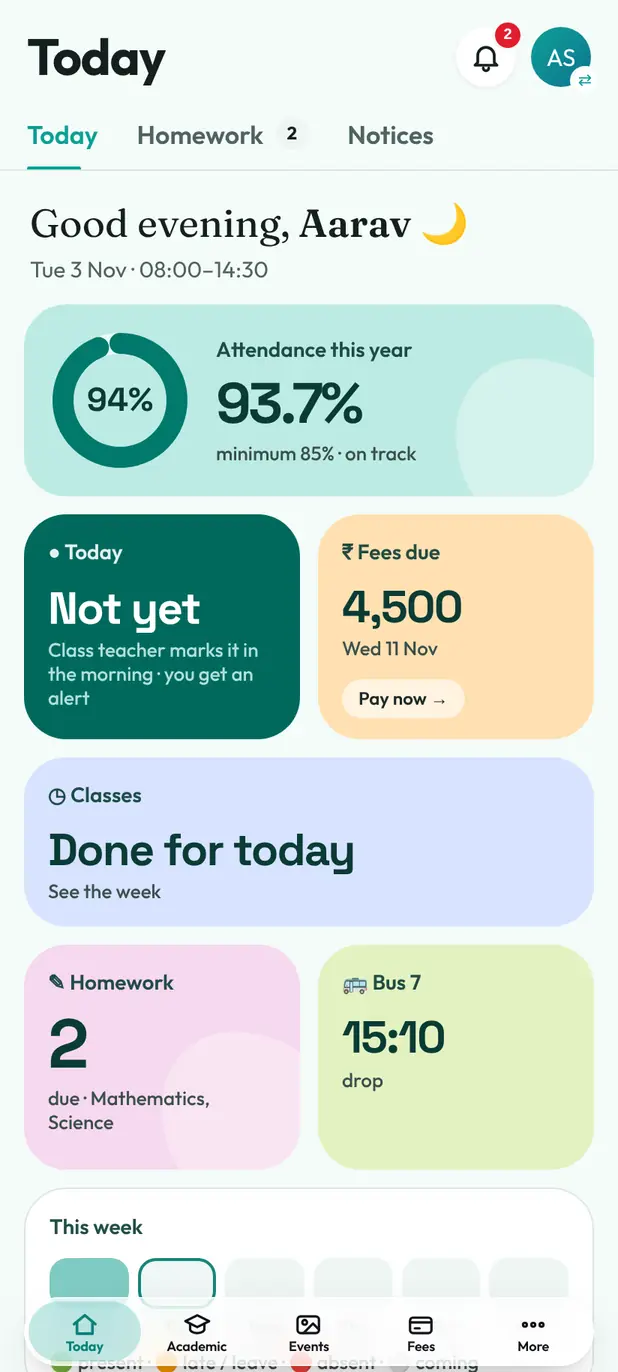
One app, made for each role.
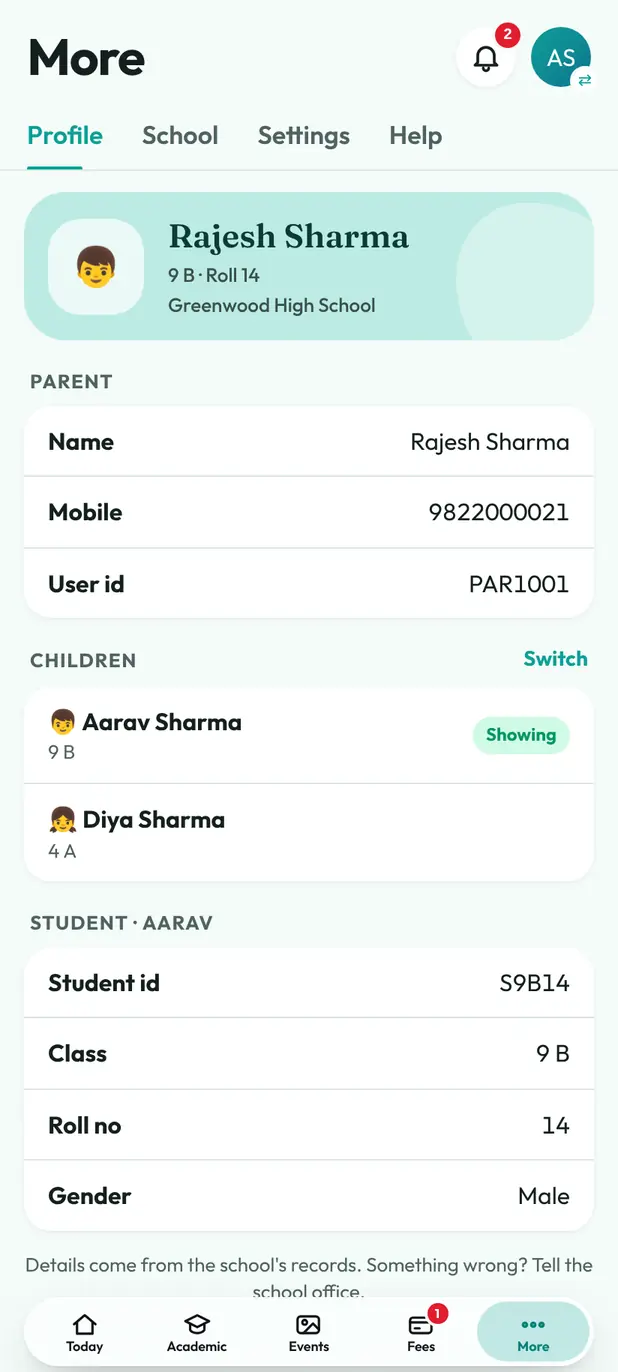
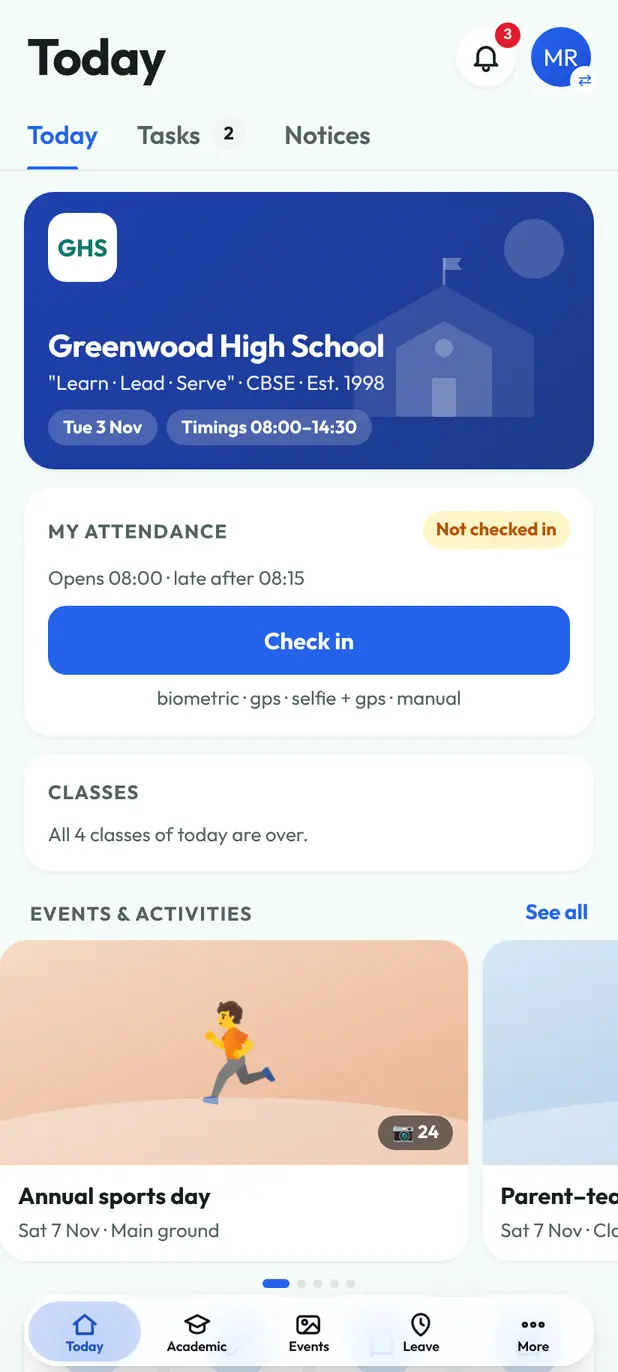
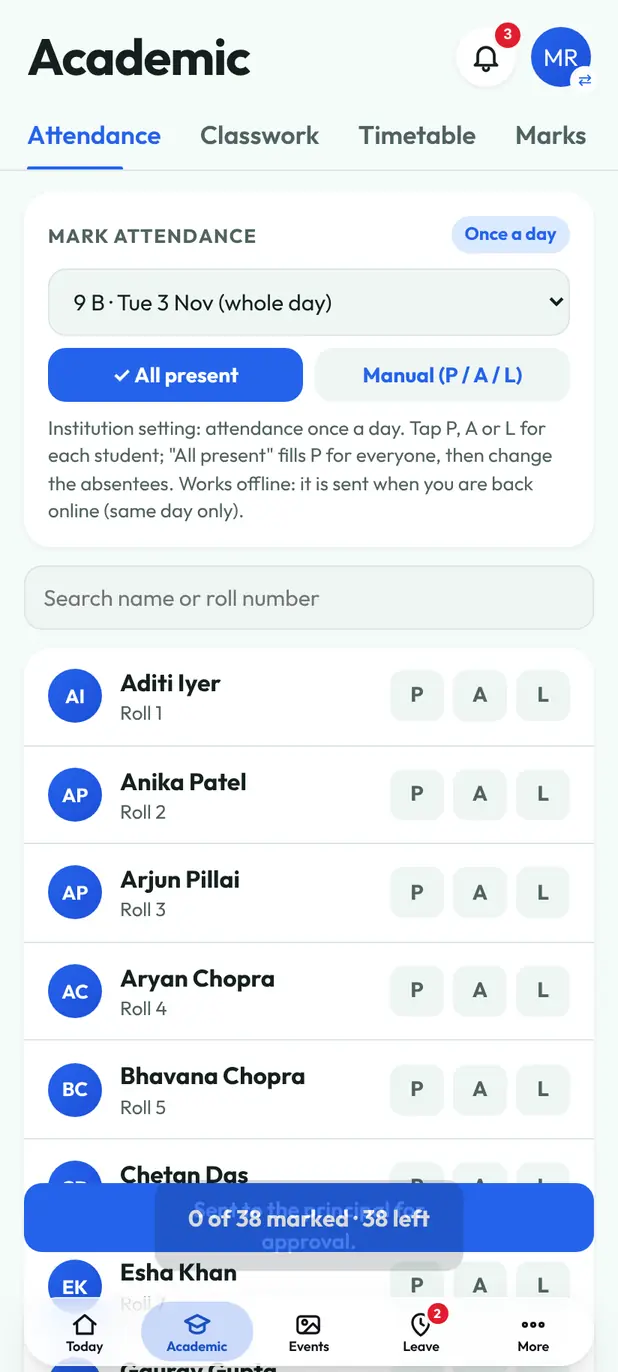
Everything the day needs.
Your institution switches modules on for each role, so everyone sees only what they need.
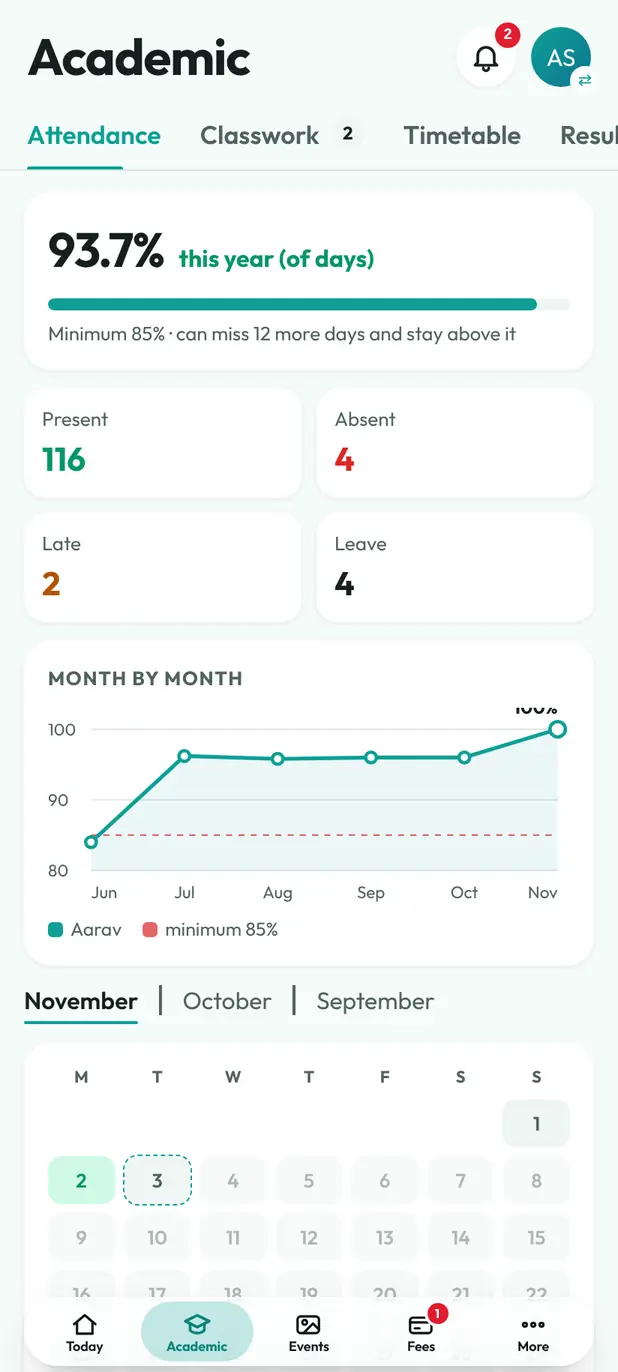
Day-wise or period-wise, the percentage and month trend, as soon as the teacher marks it.
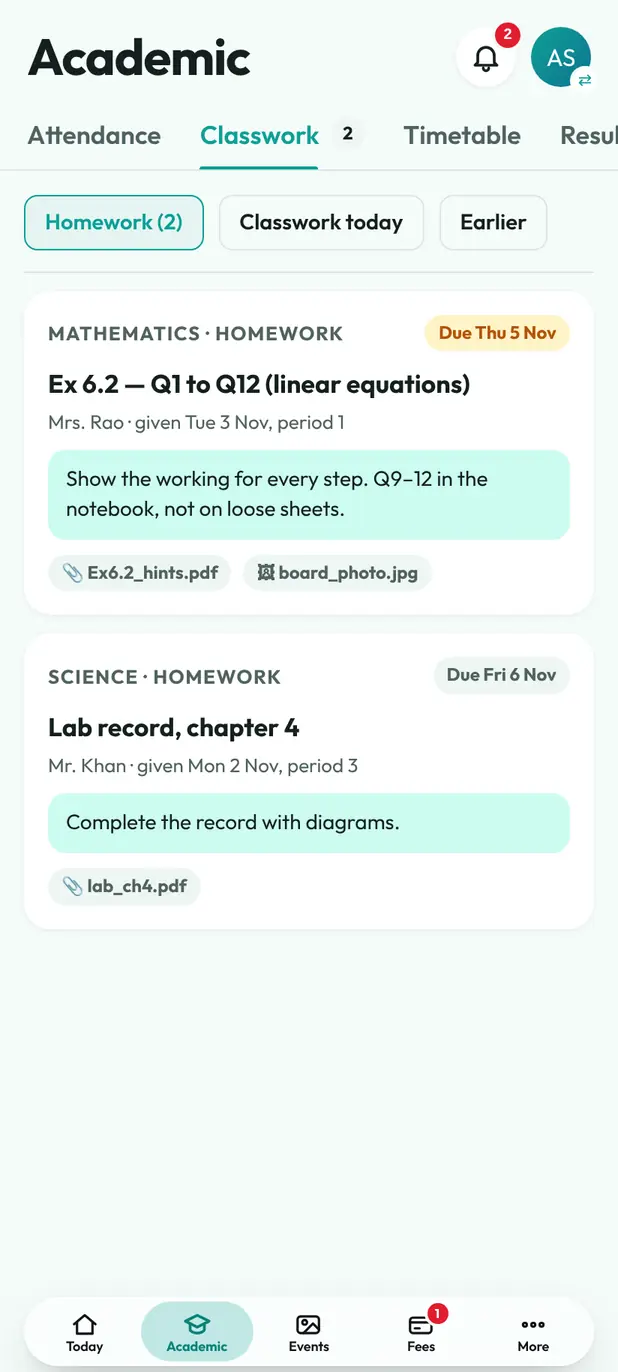
Straight from the class diary, by subject, with documents to open.
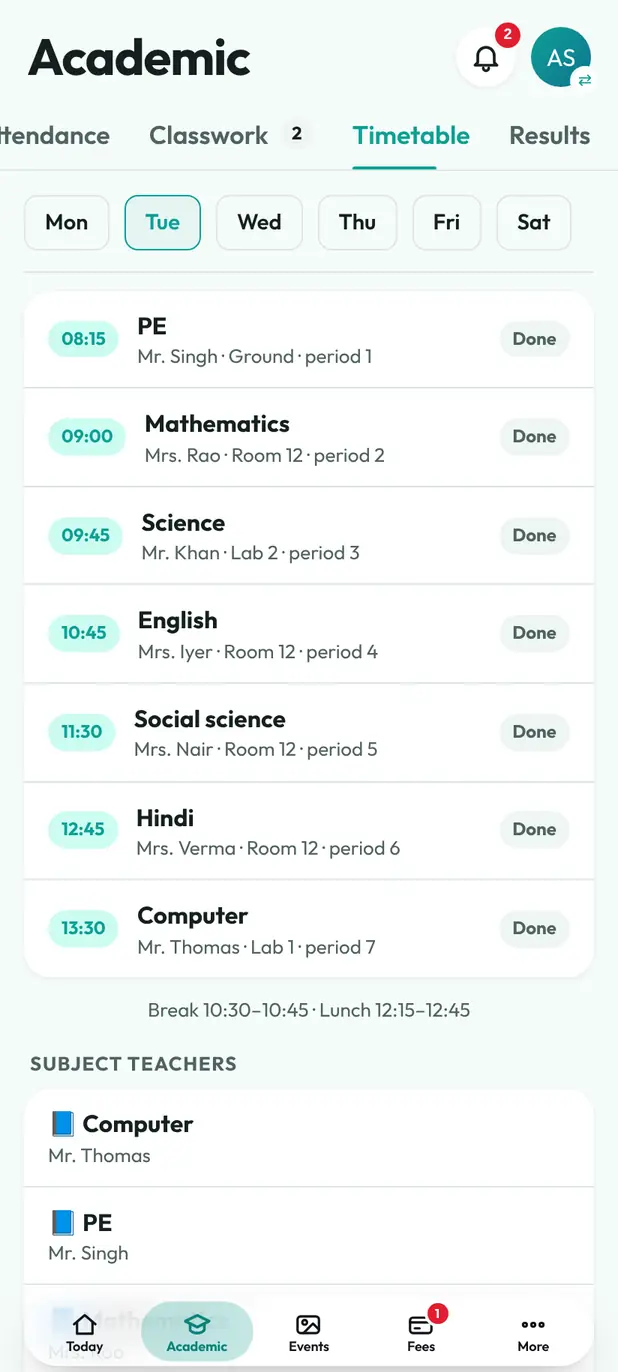
Today's periods and the teacher of every subject.
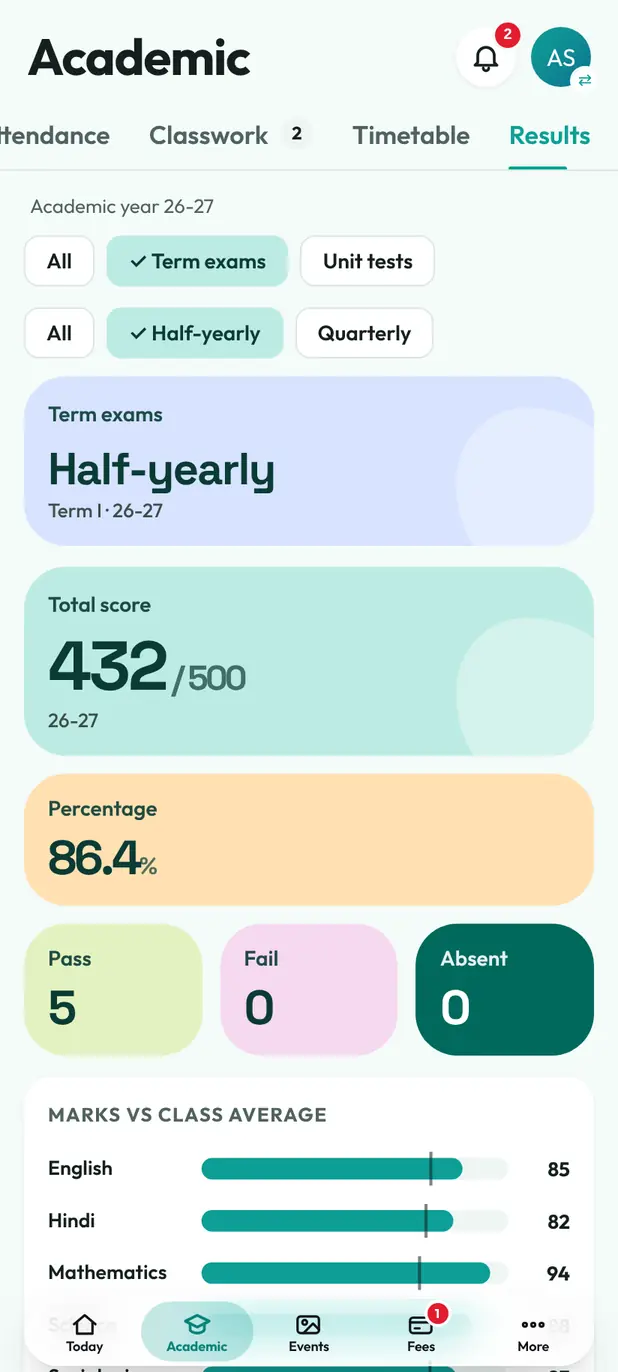
By year, test group and test, with totals, percentage and class average.
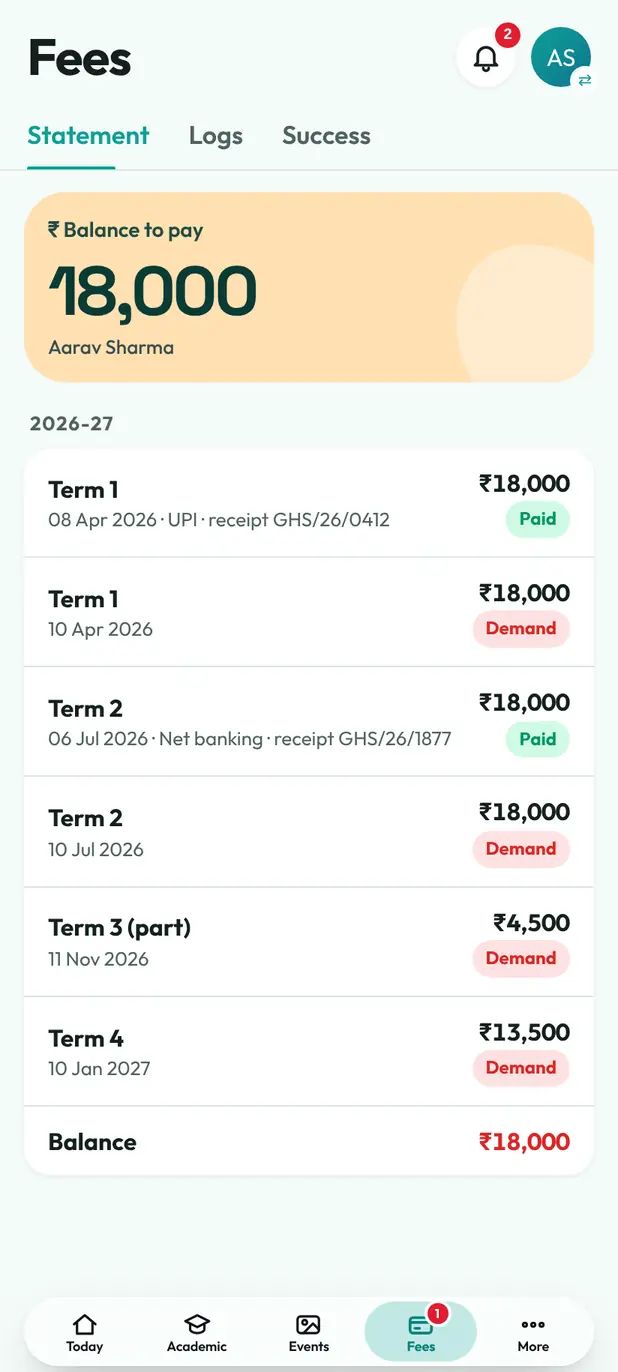
Fee statement, balance, online payment log and successful payments.
Push notifications on Android, iPhone and desktop for every update.
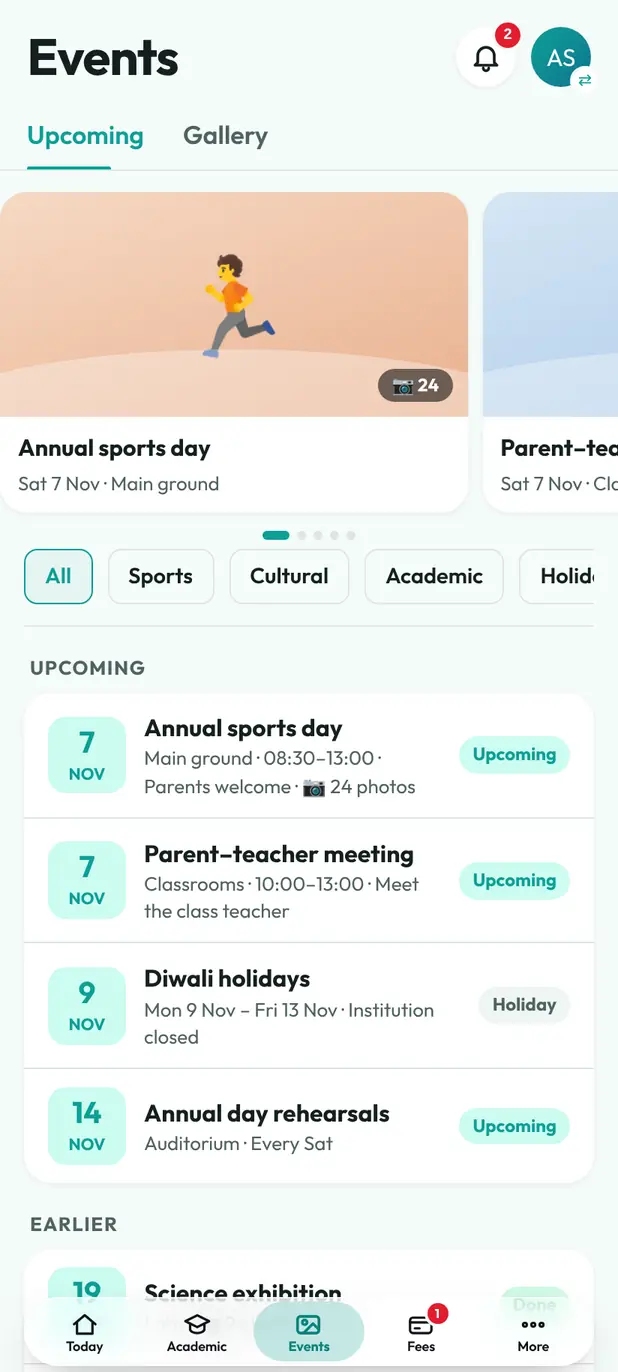
Holidays, events and photo galleries shared by the institution.
Check-in, attendance marking, leave, visitors, transport, fee desk and tasks.
Institution settings, events and photos, modules per role, approvals and ERP sync.
Why institutions choose TrackMe.
TrackMe works with the ERP you already use, so there is nothing new to enter and nothing to keep in sync by hand.
No double entryAttendance, diary, marks and fees are read from your ERP. Office staff keep working as they do today.
Parents informed instantlyA push notification the moment attendance, homework, results or a notice is posted, fewer calls to the office.
No app store neededInstall from this page on Android, iPhone, iPad, Windows and Mac. Updates reach everyone automatically.
One app for the whole familyParents switch between children; students, parents and staff each get their own view.
Works with poor networkLight and fast; teachers can mark attendance offline and it is sent when the phone is back online.
Secure sign-inSign in with the user id and password from your institution and its institute code; sessions are stored as one-way hashes and end on sign-out.
Your modules, your rulesTurn modules on or off for students, parents, teaching and non-teaching staff.
Clean, modern designEasy to read for every age, with light and dark mode, large tap targets and smooth navigation.
Without TrackMe
- Notes in diaries and WhatsApp groups get lost
- Parents call the office for attendance and fees
- Results reach parents late, on paper
With TrackMe
- Every update in one place, with an alert
- Attendance, fees and results always up to date from the ERP
- Results with class average as soon as they are published